

Set a separate reorder trigger for each approved takeout-container SKU and receiving location, using demand and lead-time data you can check. Oracle NetSuite defines reorder point as safety stock plus average daily demand multiplied by average lead time [1]. This guide applies that calculation to routine replenishment of an unchanged product; it does not decide whether to switch suppliers or approve a substitute.
How Should a Buyer Calculate the Reorder Trigger Step by Step?
Start with your own issue records for one container size at one receiving point. As a buyer worksheet, choose and record an analysis period rather than treating a fixed number of days as a universal requirement. NetSuite uses configurable demand-analysis intervals; its average daily demand divides qualifying demand by calendar days, includes both period endpoints, and counts days without demand as zero [1]. Our suggested unit check is to express consumption, on-hand quantity and order quantity on the same basis before comparing them.
Next, identify how you will choose safety stock. NetSuite calculates it from lead-time demand variation and a z-score associated with a chosen service level. Its documentation says higher service levels generally produce higher safety stock [1]. For your worksheet, record whether you use that method or a separately chosen buffer; do not describe an arbitrary buffer as a statistically calculated service-level result.
Use consistent units in the arithmetic. Hypothetical worksheet example, not a JR DELIPACK forecast or a recommended buffer: average consumption of 400 pieces per day, an assumed 45-day planning period and a chosen 2,000-piece buffer give (400 × 45) + 2,000 = 20,000 pieces. Those numbers are invented only to demonstrate the formula in [1], not measured shipping or sales results. Make a separate calculation for each size and receiving location, using your own inputs [1].
What Is Full Confirmed Replenishment Time, and Why Is It Not Production Time?
For this buyer worksheet, first choose the event that makes a receipt usable at your location. Ask which dates the supplier and forwarder can confirm, and keep estimated dates separate from actual receipts. This is our proposed planning convention, not NetSuite terminology: NetSuite calculates average lead time from inbound supply history and ends purchase-order lead time at full receipt [1]. Do not replace actual inbound history with a general production estimate without recording that change of basis.
The U.S. International Trade Administration describes INCOTERMS as allocating responsibilities for costs and shipping details, including freight, insurance, duties, customs clearance and documentation. It also describes freight-forwarder services such as shipment-space reservation and document review [2]. This is U.S. export guidance, not a rule for Chinese exports or a transit-time forecast. Our suggested action is to ask the relevant parties which legs their dates cover and record the answers in the worksheet.
A first-party JR DELIPACK page states that production normally takes 30 days or more from order confirmation to FOB Shenzhen Shekou, that ocean transit time is not included, and that the final schedule is confirmed per order [3]. Treat that as a production-side statement covering only part of the journey, not a door-to-door commitment. For planning, keep whatever per-order figure matches your own destination and receiving point.

Our suggested pre-commitment checklist, written so each line can be answered with a number or a document rather than an assumption:
- Average daily use in pieces, from your own issue records for that size and receiving point [1].
- Spread around that average, noting days far above or below it, since wide variation inflates the safety-stock need [1].
- Your chosen planning start and receipt endpoint, with each party asked to confirm the part it can actually confirm.
- Any lead-time variation your forwarder can describe, because one average hides a range [1], [2].
- Physical storage available for safety stock, plus the confirmed minimum order quantity for that size.
- The quantity, destination and requested timing in your enquiry; JR DELIPACK asks buyers for these details [3].
How Should Limited Storage Change the Safety-Stock Choice?
Treat storage capacity as another input to your decision, not proof that a particular service level is achievable. NetSuite describes how the chosen service level affects calculated safety stock [1]. Our suggested check is to compare your proposed buffer and receipt quantity with available storage, then ask about feasible order or delivery arrangements. If the quantities do not fit, record the unresolved constraint rather than claiming a smaller buffer offers the same protection.
Pressure-relief options, stated as our suggestions rather than sourced findings: split receipts across two smaller deliveries if the supplier and freight arrangement support it, free a rack near the receiving door for the fastest-moving size, or keep one size at higher cover and let slower sizes run leaner.
NetSuite warns that its calculation can be approximate when demand is intermittent, promotional, strongly seasonal or skewed [1]. Our suggested review rule is to revisit the inputs after a recorded change in demand or inbound timing. Note the old value, new value, evidence period and next review date. A calendar reminder is a buyer-selected workflow, not a cadence prescribed by Oracle.
How Does This Differ From Other Container Buying Checks?
This guide answers one recurring question: at what stock threshold should a buyer place the next order for an already-approved, unchanged container SKU? The deliverable is an item-location worksheet with demand units, receipt-based lead-time inputs, a stated buffer method and a review record. A supplier-change-control plan instead approves product revisions, substitutes and cutover arrangements. It does not replace the routine reorder calculation. Keep those decisions separate, and do not use a reorder trigger as permission to mix incompatible lids or change a product.
Conclusion and Next Step
Use the documented reorder-point formula, record the input units, and keep the chosen planning convention distinct from the source software method [1]. JR DELIPACK supplies PP, PLA and paper-based foodservice packaging for B2B buyers; its published production statement excludes ocean transit and remains order-specific [3]. To discuss the unchanged product you want to replenish, compare the product range, review product-specific quality information, and send your model, quantity, destination and requested timing. Ask for confirmation rather than assuming stock or an arrival date.
Frequently Asked Questions
Should the reorder trigger use production time or total replenishment time?
Do not treat a production estimate as a complete arrival estimate. JR DELIPACK states that its usual order-confirmation-to-FOB Shenzhen Shekou period excludes ocean transit and is confirmed per order [3]. NetSuite uses inbound receipt history for its documented lead-time calculation [1]. Record any different worksheet convention explicitly.
Can one trigger serve every takeout container size?
NetSuite calculates demand and lead-time inputs by item-location [1]. Following that distinction, our suggested worksheet keeps a separate record for each SKU and receiving location rather than assuming one trigger applies everywhere.
Where does a buyer with no usage history start?
Rule-based planning depends on demand history; without it, average daily demand and the planning values derived from it are zero in the documented example [1]. We suggest a short manual count and a deliberately conservative first trigger, replaced by recorded data as soon as it exists.
How often should the safety-stock figure be rechecked?
NetSuite warns about approximate results for seasonal or promotional demand [1]. We suggest choosing a review date and reconsidering the buffer after a documented change in your inputs. That review schedule is our recommendation, not an Oracle requirement.
What should a buyer send when asking about replenishment timing?
JR DELIPACK invites buyers to include product format, size, estimated quantity, destination and timing in an enquiry [3]. Our suggestion is also to identify the approved SKU being reordered and ask which schedule can be confirmed. The enquiry does not establish stock availability or guarantee a delivery date.
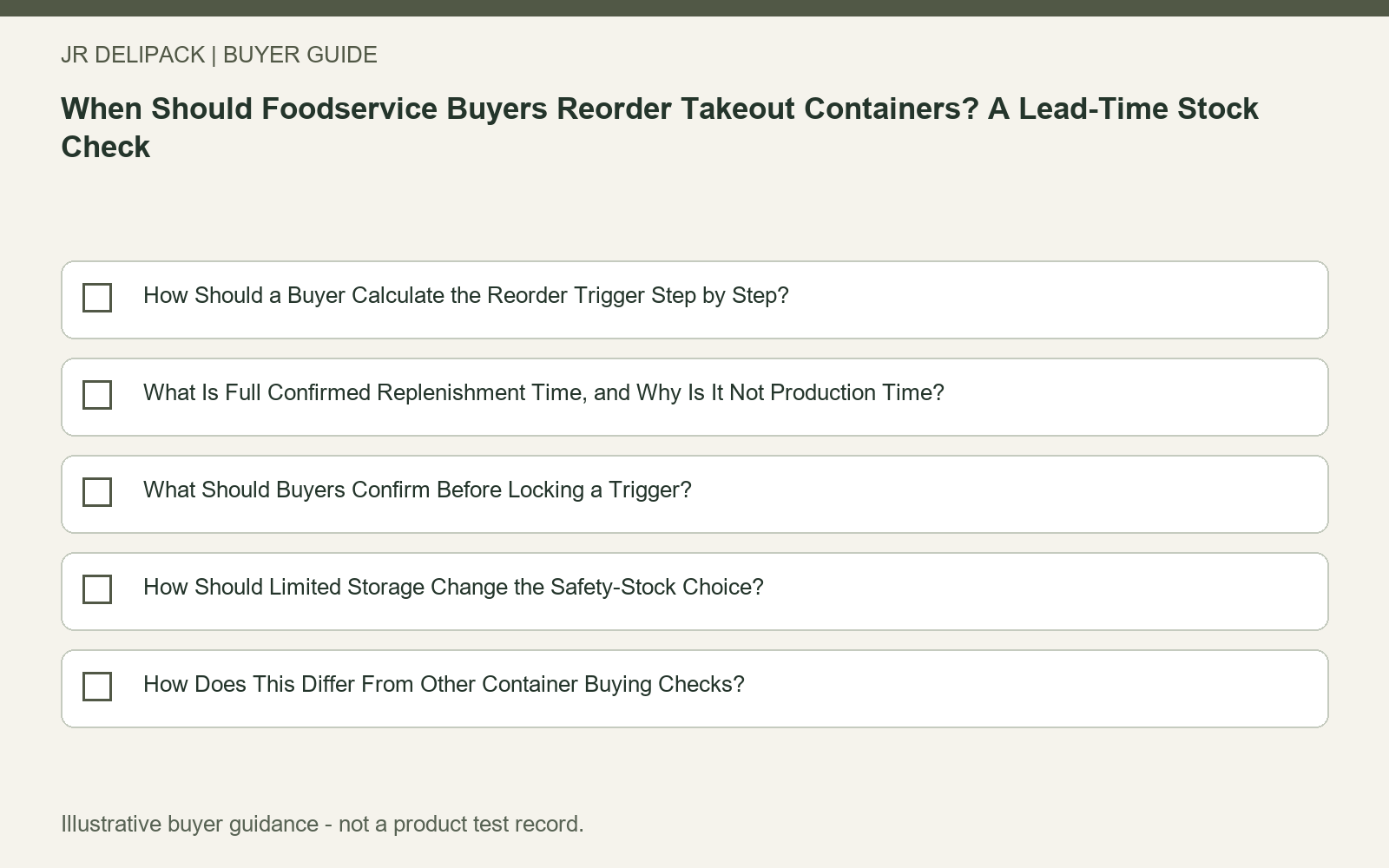
Use this checklist as part of the B2B food-container purchasing guide when coordinating the product, evidence and quotation steps.
References
- [1] Inventory Optimization Calculations — Oracle NetSuite. https://docs.oracle.com/en/cloud/saas/netsuite/ns-online-help/article_0702045810.html. Publication date not provided.
- [2] Shipping Options — International Trade Administration. https://www.trade.gov/shipping-options. Publication date not provided.
- [3] PP, PLA and Paper-Based Foodservice Packaging — JR DELIPACK. https://jrdelipack.com/pp-pla-and-paper-based-foodservice-packaging/. Publication date: 2026-09-29.